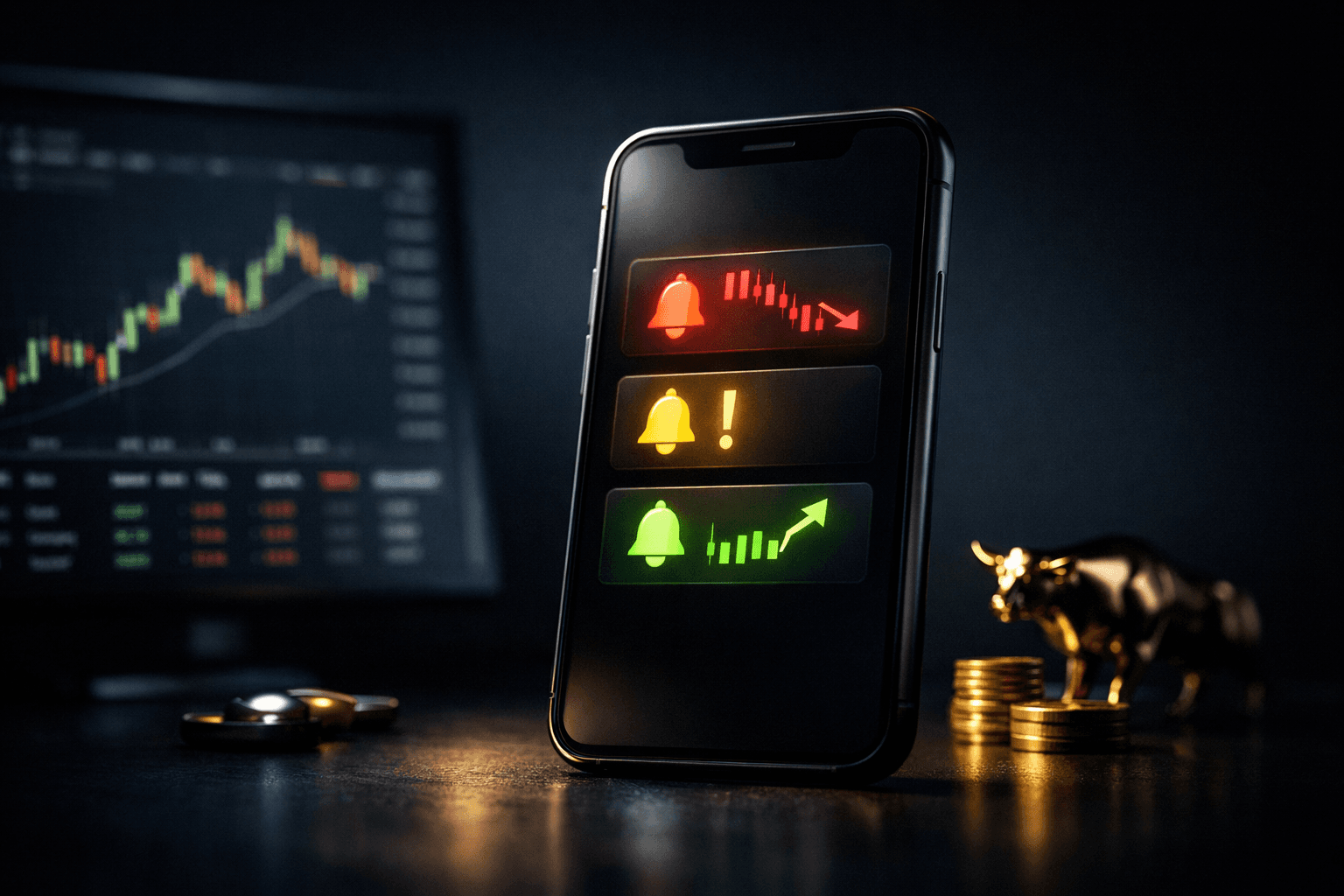
- Stock alerts notify you when a specific price, percentage move, or condition happens so you don’t have to watch the screen constantly.
- Use price alerts, percentage-change alerts, volume alerts, and technical alerts together to cover entry, exit, and risk-management needs.
- Set clear rules for triggers, expiration, and what you’ll do when an alert fires to avoid emotional decisions.
- Combine alerts with limit/stop orders and pre-defined trade plans to execute faster and reduce missed opportunities.
- Avoid alert overload: prioritize high-conviction tickers, use thresholds, and choose delivery methods that suit your workflow.
- Practice with conservative, time-limited alerts and review alert performance weekly to refine settings and reduce false signals.
Introduction
Stock alerts are automated notifications that tell you when a stock reaches a price, volume, or technical condition you care about. They let traders react quickly to market moves without staring at charts all day.
For beginner traders, alerts are a practical way to stay involved while learning. Alerts help you capture breakouts, limit losses, and follow news-driven movement without constant monitoring.
This article explains the main types of stock alerts, how to set them, real-world examples using tickers like $AAPL and $TSLA, common mistakes to avoid, and a simple playbook you can start using today.
How Stock Alerts Work and Why They Matter
At a basic level, an alert watches a condition and notifies you when that condition is met. Conditions can be simple (price above $X) or complex (RSI crosses below 30 while volume is above 2x average).
Alerts matter because markets move fast. Many stocks, especially high-volume names, can swing several percent in minutes. An alert shortens your reaction time and helps you act on a plan rather than emotion.
Common delivery methods
- Push notifications to your phone: immediate and mobile-friendly.
- Emails: good for end-of-day reviews or when you prefer a paper trail.
- SMS: very direct but may have costs depending on service.
- In-app or platform alerts: useful when you use a single trading app for orders and alerts.
Types of Stock Alerts and How to Use Them
There are several alert types. Each solves different trading needs: entry alerts, exit alerts, risk alerts, and watchlist alerts. Below are the most useful ones for beginners.
Price alerts
Price alerts notify you when a stock trades at or crosses a set price. Use them for clear entry or exit levels based on support, resistance, or target prices.
Example: You plan to buy $AAPL if it breaks above $180. Set a price alert for $180. When the alert fires, review the chart and market context; if everything matches your plan, you can enter or set a limit order.
Percentage-change alerts
These notify you when a stock moves by a certain percent in a day or intraday. They are helpful for catching momentum plays or avoiding sudden volatility.
Example: Set a 5% intraday alert on $TSLA. If it spikes 5% up or down, the alert prompts you to check news and volume before deciding to trade or stand aside.
Volume alerts
Volume alerts trigger when trading volume rises above a threshold, indicating unusual activity. Volume often confirms price moves; a breakout with high volume is more credible.
Example: Alert when $NVDA volume exceeds 2x average daily volume and price is up 3%, this combination can signal a significant news-driven or momentum move.
Technical indicator alerts
These alerts use indicators like moving averages, RSI, MACD, or Bollinger Bands. They are useful for systematic, rule-based trading strategies.
Example: Set an alert when $MSFT’s 50-day moving average crosses above the 200-day moving average (a “golden cross”). That alert prompts a review of fundamentals and market context before action.
News and earnings alerts
News alerts notify you about headlines, earnings releases, or regulatory filings. These are essential for event-driven traders and for protecting positions before high-volatility events.
Example: Set an earnings alert for $AMZN 48 hours before its scheduled report. You can decide whether to reduce exposure, hedge, or set conditional orders ahead of time.
How to Build an Alert-Based Trading Routine
Alerts are tools, not trading plans. To get value, combine alerts with rules that tell you precisely what to do when they fire. This pairing converts signals into repeatable actions.
- Choose your universe: pick 10, 20 tickers you understand and track them closely.
- Define trigger rules: e.g., price breakouts above resistance + 1.5x volume = consider entry.
- Decide actions in advance: buy with a limit order, set a stop, or simply monitor.
- Set expiry and thresholds: avoid perpetual alerts that produce noise; use time limits or price bands.
Example workflow
1) Add $AAPL and $NVDA to your watchlist. 2) Set a price alert: $AAPL above $180. 3) Set a volume+price alert: $NVDA up 4% with volume >2x average. 4) When alerts fire, check news, confirm volume, then place limit/stop orders per your plan.
This routine keeps your decisions disciplined and reduces impulse trading driven by FOMO or fear.
Real-World Examples: Alerts in Action
Below are two scenarios showing how different alerts work together. Numbers are illustrative and simplified to show workflow, not to recommend trades.
Scenario 1: Catching a breakout with $AAPL
Setup: Resistance at $180. You set a price alert for $180 and a volume alert for 1.5x average volume.
Outcome: $AAPL trades through $180 with volume 2x average and a 2.2% intraday rise. The alerts fire, you check the chart and order book, and then submit a limit buy at $180.50 and a stop at $176 (risk defined).
Why it worked: Alert combination confirmed price and participation. Predefined entry and stop limited decision time and emotional risk.
Scenario 2: Avoiding earnings volatility for $TSLA
Setup: You hold a small position in $TSLA but don’t want earnings risk. You set an earnings-alert 3 days before the report and a news alert for major headlines.
Outcome: Earnings alert appears. You decide in advance to reduce position size by half 24 hours before the report. The news alert later warns of an unexpected SEC filing; you exit fully per your plan.
Why it worked: Alerts prompted pre-rules that avoided emotional exits and unmanaged volatility during a high-risk event.
Practical Tips for Configuring Alerts
Small configuration choices make alerts far more useful. Here are practical settings beginners should consider when starting out.
- Use realistic thresholds: avoid 0.1% alerts on volatile stocks; use threshold bands like 2, 5% for intraday moves.
- Set expiration dates: intraday alerts should expire end-of-day; multi-day alerts can last a week or a specific event window.
- Limit the number of active alerts: start with a focused list of 5, 10 alerts to avoid overload.
- Choose delivery wisely: push for immediate action, email for reviews, and in-app for integrated execution.
- Use conditional orders: when possible, pair alerts with limit or stop orders to automate execution after the alert triggers.
Common Mistakes to Avoid
- Too many alerts: Flooding your phone with notifications leads to alert fatigue. Avoid by prioritizing high-probability setups and limiting active alerts.
- No predefined action: An alert without a plan often leads to impulsive trades. Define what you will do before creating the alert.
- Ignoring context: Alerts don’t replace chart review or news checks. Always confirm volume, market trend, and news before acting.
- Using static thresholds for all stocks: Different stocks have different typical moves. Tailor percent and price thresholds to each ticker’s volatility.
- Failing to review alerts: Not analyzing which alerts worked or failed prevents improvement. Keep a simple log and review weekly.
FAQ
Q: How many alerts should a beginner set?
A: Start with 5, 10 focused alerts on stocks you understand. More than that can create noise. Choose a mix of entry, exit, and event alerts and review weekly.
Q: Are alerts instantaneous or delayed?
A: Delivery speed depends on your platform and settings. Push notifications are typically near-instant; email and SMS can be slower. For trading speed, use platform push alerts or integrated conditional orders.
Q: Can I automate trades based on alerts?
A: Many platforms let you pair alerts with conditional orders (e.g., one-cancels-other, stop-limit). Automation reduces reaction time but still requires pre-defined rules to manage risk.
Q: How should I manage alerts around earnings or news events?
A: Use event-specific alerts with clear actions: reduce size, hedge, or set wider stops. Consider temporary withdrawal of alerts if you don’t want pre-market volatility notifications.
Bottom Line
Stock alerts are a practical tool that helps beginner traders spot important market moves without constant monitoring. They improve reaction time, support disciplined trading, and reduce missed opportunities when used with clear rules.
Begin by choosing a small set of tickers, setting sensible thresholds, and writing down the action you'll take when an alert fires. Pair alerts with orders and weekly reviews to refine what works for you.
Action steps: create 5 alerts today (one price, one percent-move, one volume, one technical, one earnings/news), define the corresponding action for each, and review performance after one week. That simple routine will make alerts an effective part of your trading toolkit.