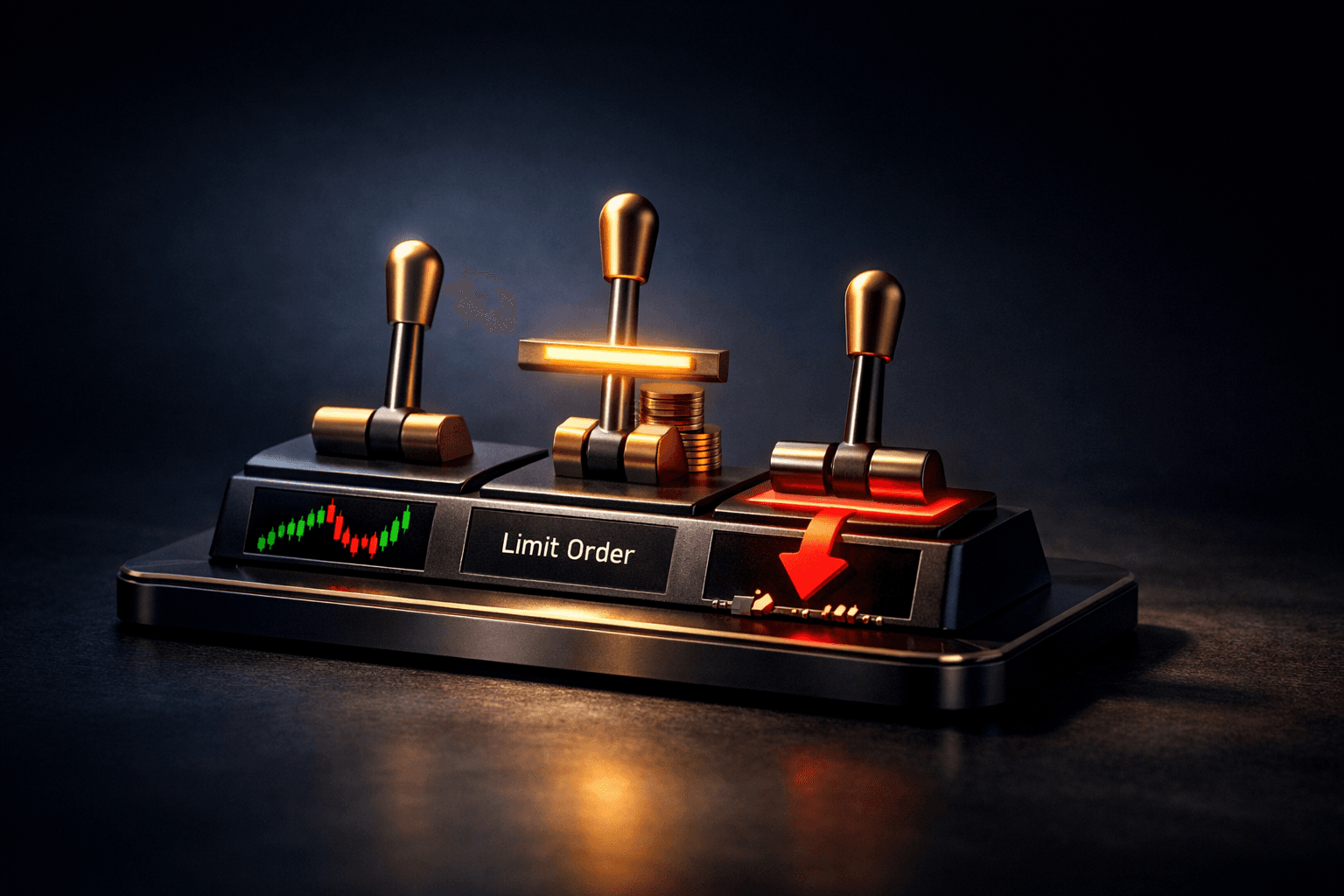
- Know the difference: market orders execute now at the current price, limit orders execute only at your price or better, and stop orders trigger once a price is reached.
- Use market orders for speed, limit orders for price control, and stop orders to manage risk or enter positions automatically.
- Understand execution risk: market orders can result in price slippage in fast markets, while limit orders may not fill at all.
- Stop orders become market orders when triggered unless you use stop-limit variants, which can reduce surprises but may not execute.
- Simple rules: use limit buys to avoid overpaying, use stop-loss sells to protect gains, and prefer limit or stop-limit near volatile catalysts.
- Practice with small sizes and review confirmations after each trade to learn how orders behave in real time.
Order types are the basic instructions you give your broker to buy or sell a stock. If you want a trade executed, you must choose an order type, and that choice affects price, speed, and risk.
Why does this matter to you? Because the wrong order type can cost real money, or leave you exposed when markets move quickly. This guide breaks down market, limit, and stop orders so you can pick the right tool for common trading situations.
You'll learn what each order does, pros and cons, simple examples using $AAPL and $TSLA, plus rules of thumb for when to use each. Which order should you use when news hits or a stock gaps at open? Read on to find out.
Market Orders: Fast Execution, Less Price Control
A market order tells your broker to buy or sell immediately at the best available current price. It's the simplest instruction: execute now, whatever the price.
When to use a market order:
- When speed matters more than price, for example to get into or out of a small position quickly.
- For very liquid stocks or ETFs like $SPY or $AAPL during regular hours, where the bid-ask spread is small.
Risks and practical notes:
- Price slippage: if the market moves fast, you may get a worse price than the quote you saw.
- Gaps and volatility: at market open or around earnings, market orders can execute at very different prices than expected.
Example: selling $AAPL with a market order
Suppose $AAPL is quoted at bid $172.50 and ask $172.55, and you want to sell quickly. A market sell will match the best bid and likely execute near $172.50. If sudden selling appears, the fills might drop to $172.00 or lower before your order completes.
Limit Orders: Control Price, Accept Possible Non-Execution
A limit order tells your broker the maximum price you'll pay when buying, or the minimum price you'll accept when selling. The order executes only at that price or better.
When to use limit orders:
- When price matters more than immediate execution, for example buying $TSLA at a specific pullback level.
- To avoid paying through the spread, especially in less liquid stocks where spreads are wide.
Risks and practical notes:
- Non-execution: your limit order may never fill if the stock never reaches your price.
- Partial fills: large limit orders can be partially filled at different prices as liquidity becomes available.
Example: limit buy for $TSLA
Imagine $TSLA trades at $225. You place a limit buy at $220, meaning you will only buy if the price drops to $220 or lower. If $TSLA falls to $220, your order may fill. If it holds at $222 and reverses, you'll keep your cash but avoid paying more than $220.
Stop Orders: Triggered Orders for Protection and Entry
Stop orders become active when the stock hits a trigger price. A stop-loss sell is commonly used to limit downside. There are two main types: stop-market and stop-limit.
Stop-market orders turn into market orders once the trigger price is hit. Stop-limit orders become limit orders when triggered, giving you price control but risking no fill.
When to use stop orders
Use stop orders to manage risk without watching the screen constantly. For example, you can set a stop-loss below your purchase price to exit automatically if the stock falls too far.
Be careful around volatile events because stop-market orders can produce large slippage if the price gaps past the trigger. Stop-limit orders avoid that but can fail to execute if the price moves too quickly.
Example: using a stop-loss on $AAPL
You buy $AAPL at $170 and set a stop-market sell at $160 to limit losses. If $AAPL drops intraday to $160, your order becomes a market sell and executes at the best available price, which may be below $160 in a fast drop. If you instead place a stop-limit with a trigger of $160 and a limit of $159, the sale will not execute below $159, but if the price gaps to $158, your order might not fill.
How Order Types Behave in Real Markets
Markets vary by liquidity, spreads, and volatility. Understanding these market characteristics helps you pick the right order type for the situation.
Key market factors that affect orders:
- Liquidity and spread: high liquidity and tight spreads reduce slippage for market orders.
- News and events: earnings, economic releases, and news can widen spreads and cause gaps at open.
- Order size: large orders can move the market and face partial fills unless you work them in smaller pieces.
Think about what could go wrong before placing an order. Will the stock gap at open? Are you trading outside regular hours? These questions change which order type is safer.
Real-World Example: earnings day for $AAPL
Suppose $AAPL reports earnings after the close and the next morning it gaps from $170 to $180. If you placed a market buy at open, you'd likely buy near $180. If you placed a limit buy at $171, it would not execute. If you wanted to avoid paying above $175, a limit order protects you, but you may miss the trade if the stock keeps rising.
Practical Rules of Thumb and Order Combinations
These simple rules help you choose an order type depending on your goal: speed, price control, or risk management.
- Want immediate execution and you trade large-cap, liquid names? Use a market order but be aware of slippage during volatile times.
- Want control over execution price? Use a limit order, especially for entries into thinly traded stocks.
- Want automatic downside protection? Use a stop-market for guaranteed exit, or a stop-limit to control price but accept execution risk.
- Consider using limit orders around known events, like earnings, to avoid surprises from gaps and wide spreads.
Combining orders can be effective. For instance, you might place a limit buy and attach a stop-loss sell once the position fills. This creates a clear plan for both entry and exit.
Common Mistakes to Avoid
- Using market orders in highly volatile conditions, which can cause large slippage. Avoid this by using limit or stop-limit orders near news events.
- Placing stop orders too close to current price, which can cause premature exits from normal noise. Use technical levels or a volatility buffer instead.
- Assuming a stop-limit will always protect you, ignoring that it may not execute if price gaps past the limit. Know the trade-off between price control and execution certainty.
- Not checking order confirmations and trade reports, which can lead to misunderstandings about fills, fees, and partial executions. Always review the fill details after trading.
- Trading large sizes in thin markets without breaking orders into smaller pieces. Work large orders incrementally to reduce market impact.
FAQ
Q: What is the main difference between a market order and a limit order?
A: A market order prioritizes speed and executes immediately at the best available price, while a limit order prioritizes price and executes only at your set price or better.
Q: Will a stop-loss always protect me from big losses?
A: Not always. A stop-market converts to a market order at the trigger and can suffer slippage in fast moves. A stop-limit gives price control but may not execute if the price gaps past your limit.
Q: Can I change or cancel an order after placing it?
A: Yes, you can usually modify or cancel open orders before they execute, but you cannot change an order once it has been filled. Orders placed outside regular hours may behave differently at open.
Q: Are order types the same across brokers?
A: Basic order types are similar, but brokers may offer different advanced options and default behaviors. Always read your broker's order execution policies and test with small trades first.
Bottom Line
Understanding market, limit, and stop orders gives you control over execution speed, price, and risk. Each order type has trade-offs: market orders for speed, limit orders for price control, and stop orders for automated risk management.
Start small, practice with real fills, and create simple rules for entries and exits. At the end of the day, the right order type depends on your goal: do you need to act now, control price, or protect capital? Use that answer to choose wisely and review how your orders filled to keep improving.
Next steps: try placing mock or small live orders to see how fills look in your broker platform. Track outcomes for a few trades to learn how order types behaved in real market conditions.